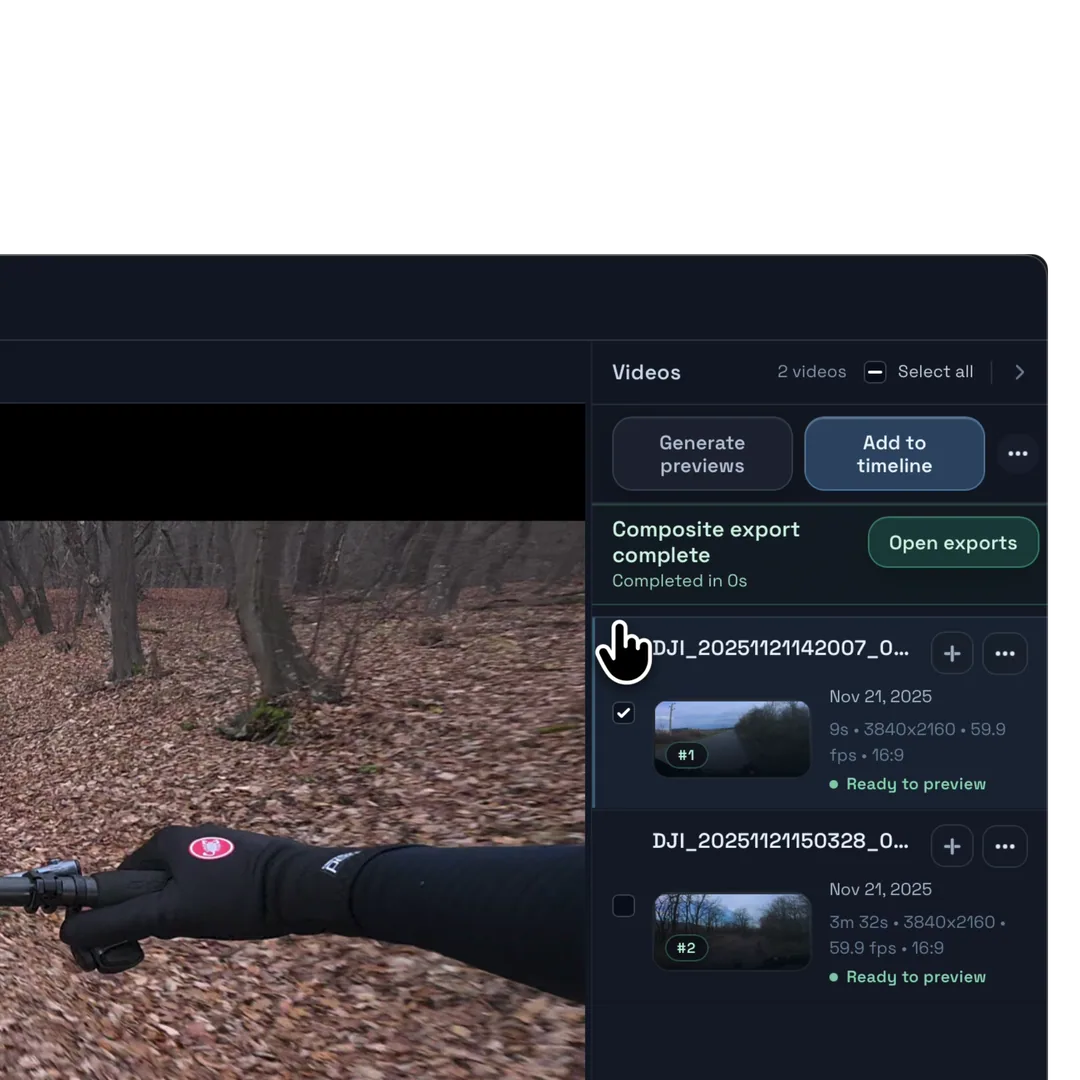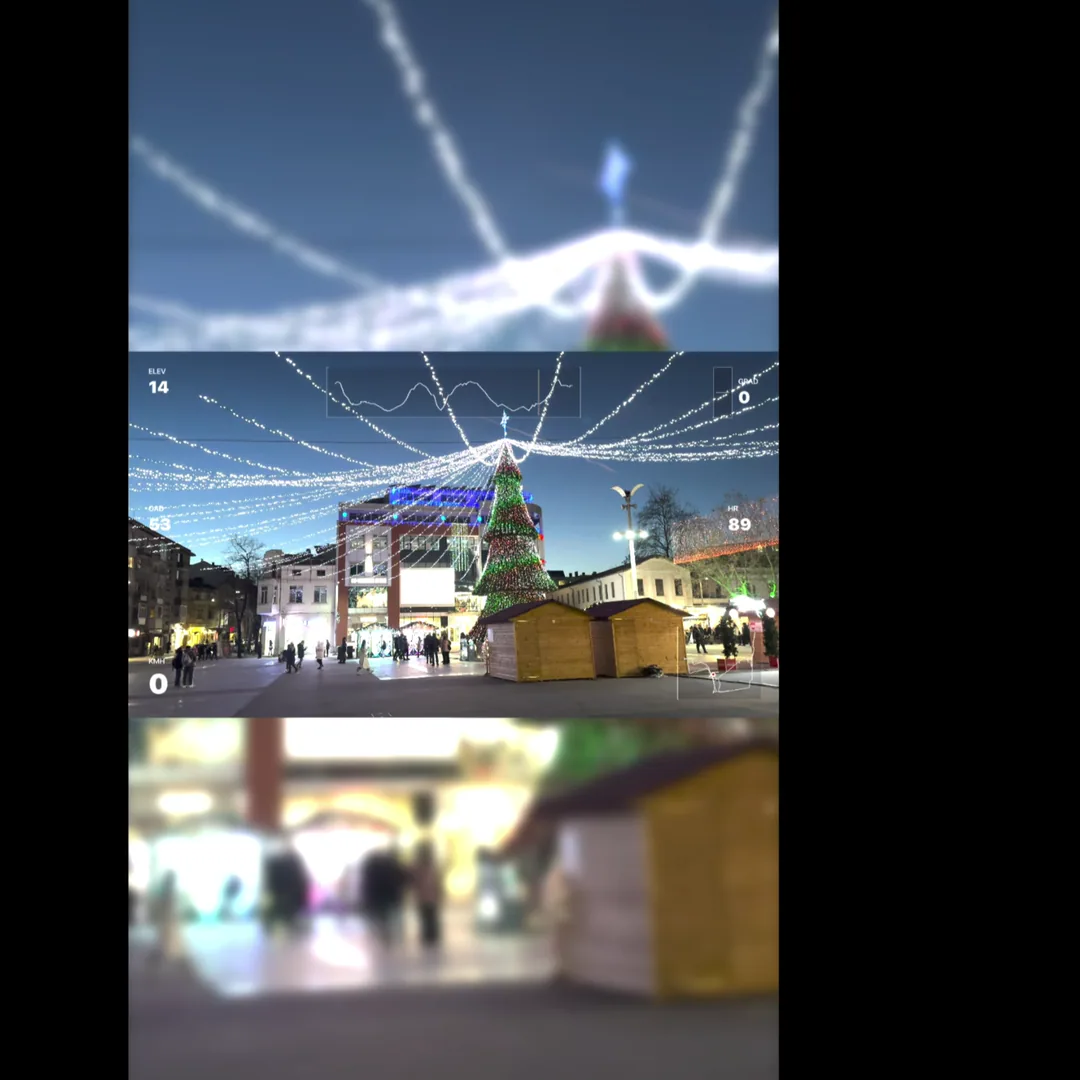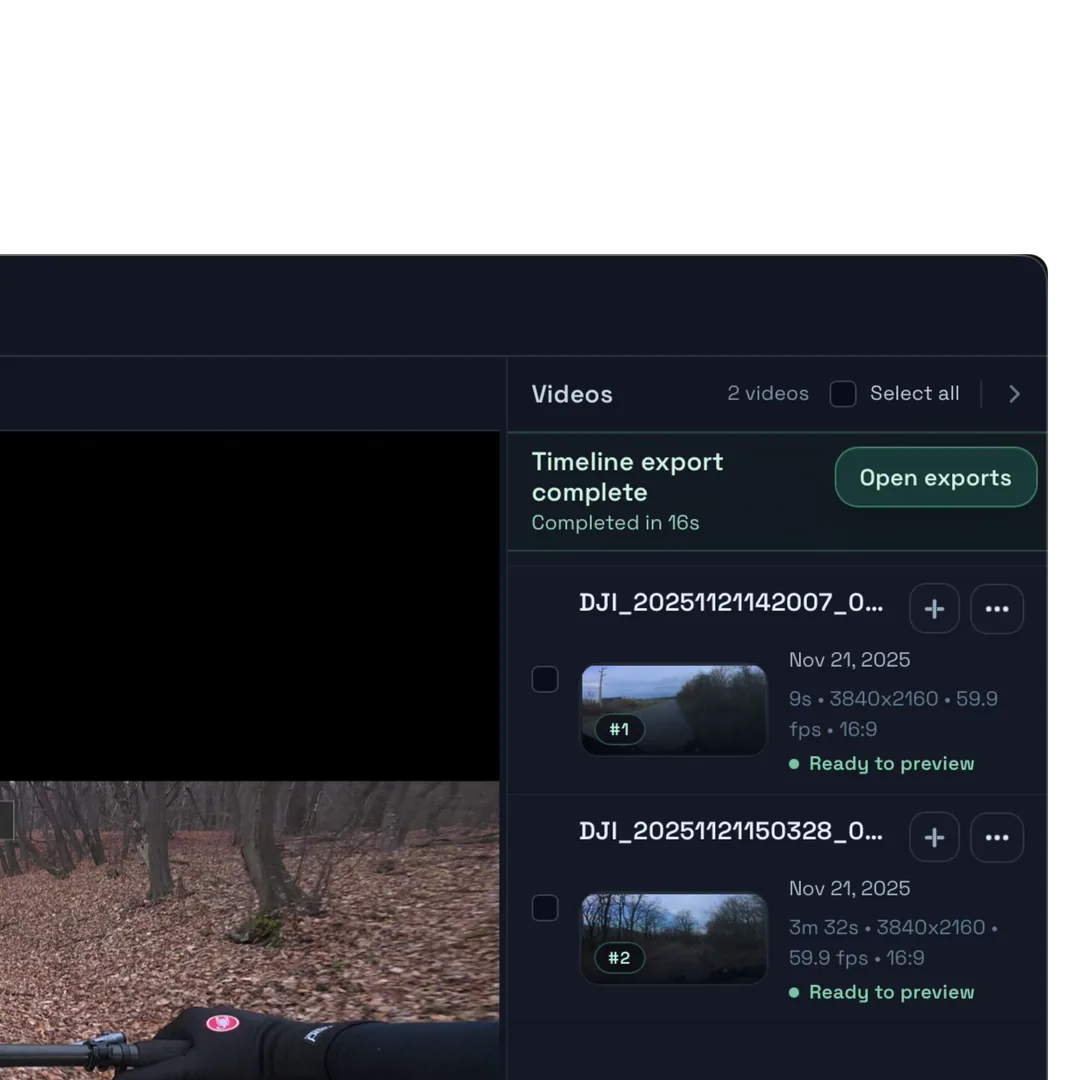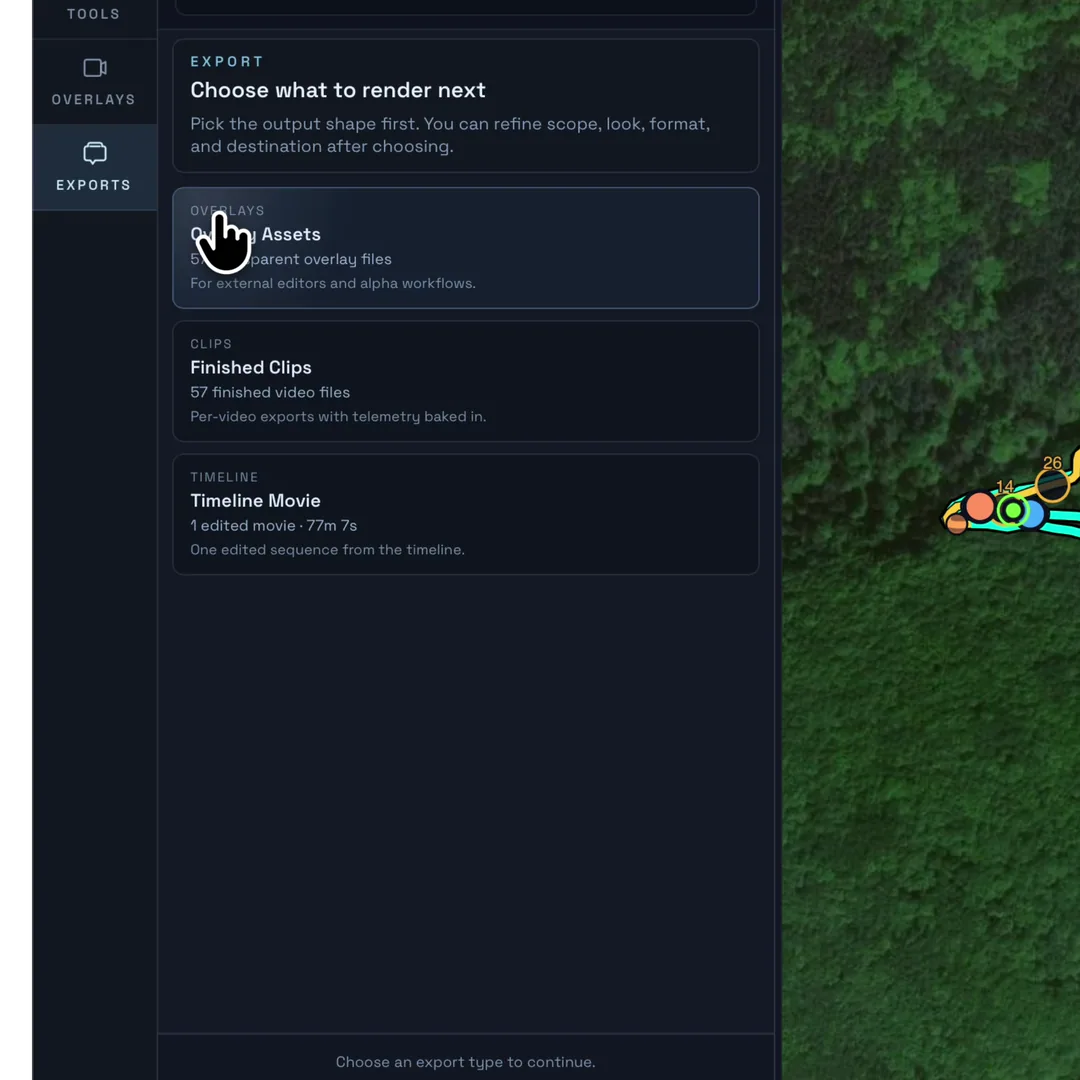
Route-matched clips
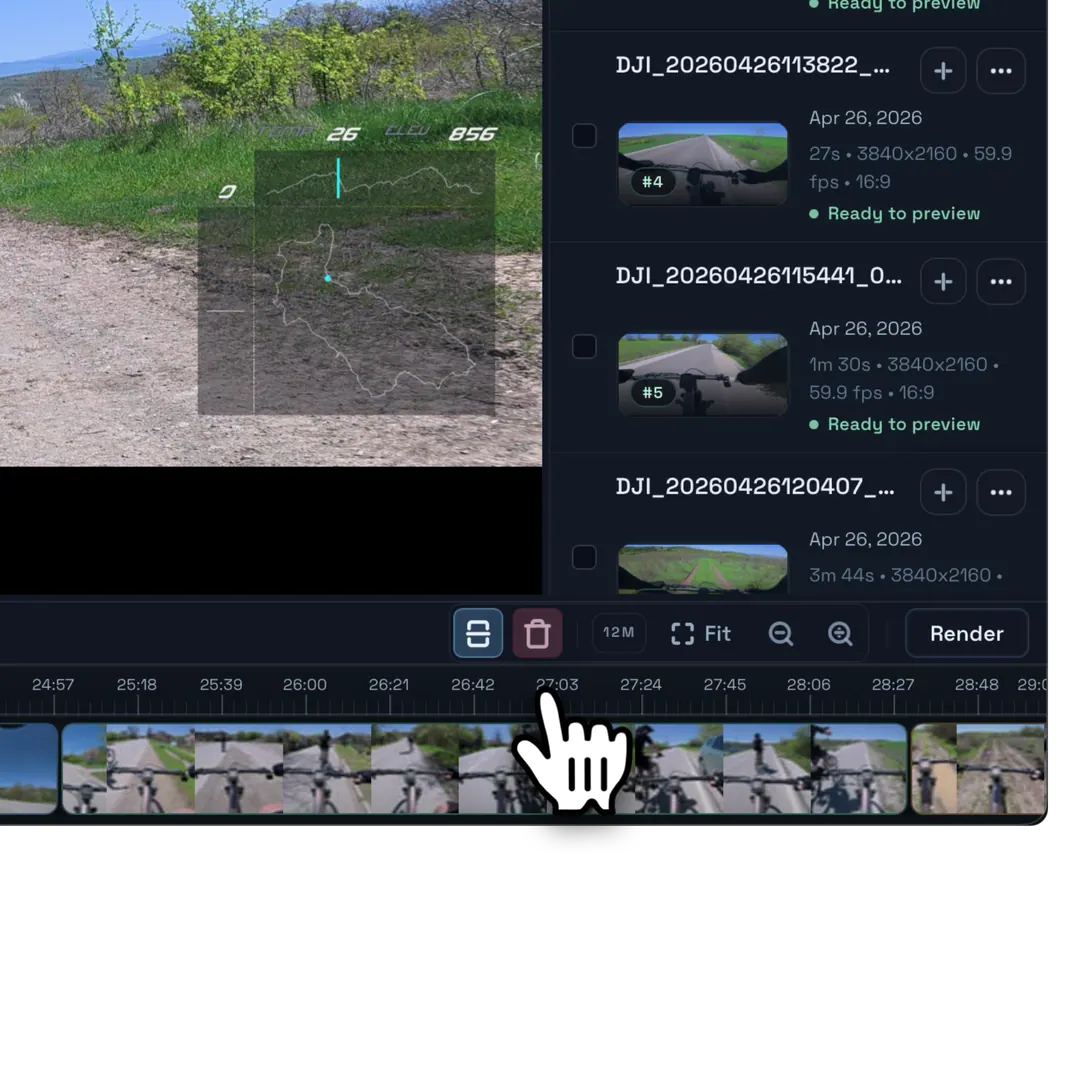
Import Strava or GPX and Movaro maps each video segment to the right part of the activity.
Strava · GPX · manual syncLocal-first ride video editor for macOS and Windows
Sync GoPro or other action-camera clips with Strava or GPX, add the telemetry that explains the moment, and finish the edit locally.
Free to use. No footage upload required.
Import Strava or GPX and Movaro maps each video segment to the right part of the activity.
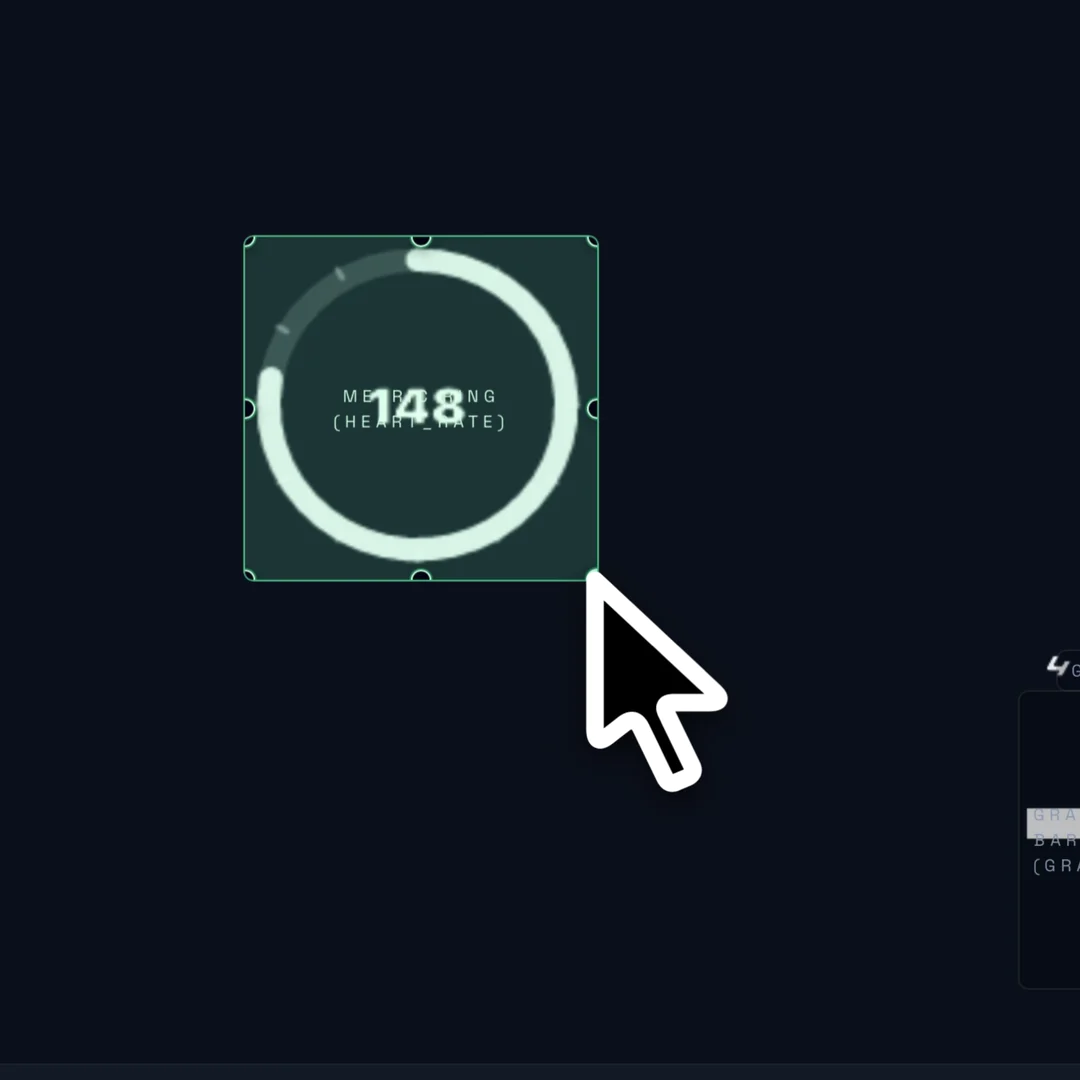
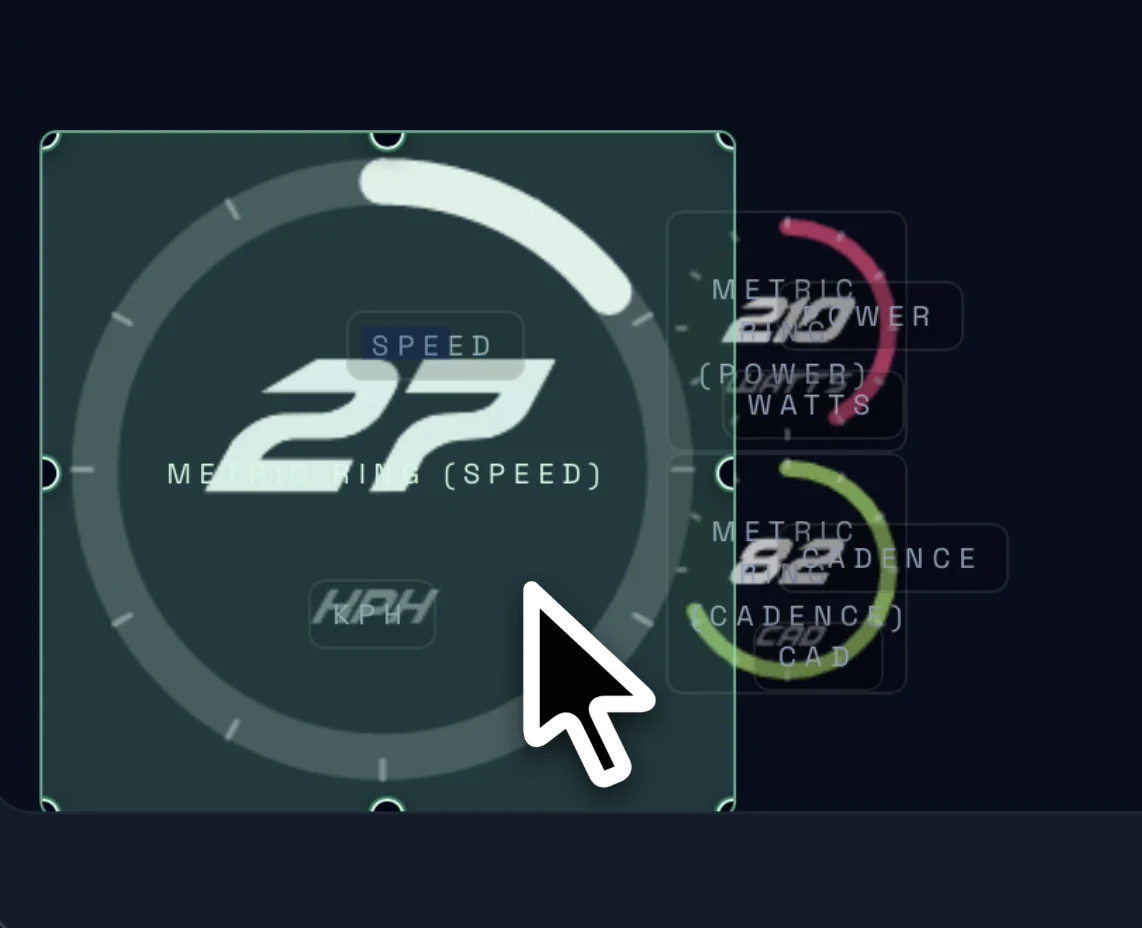
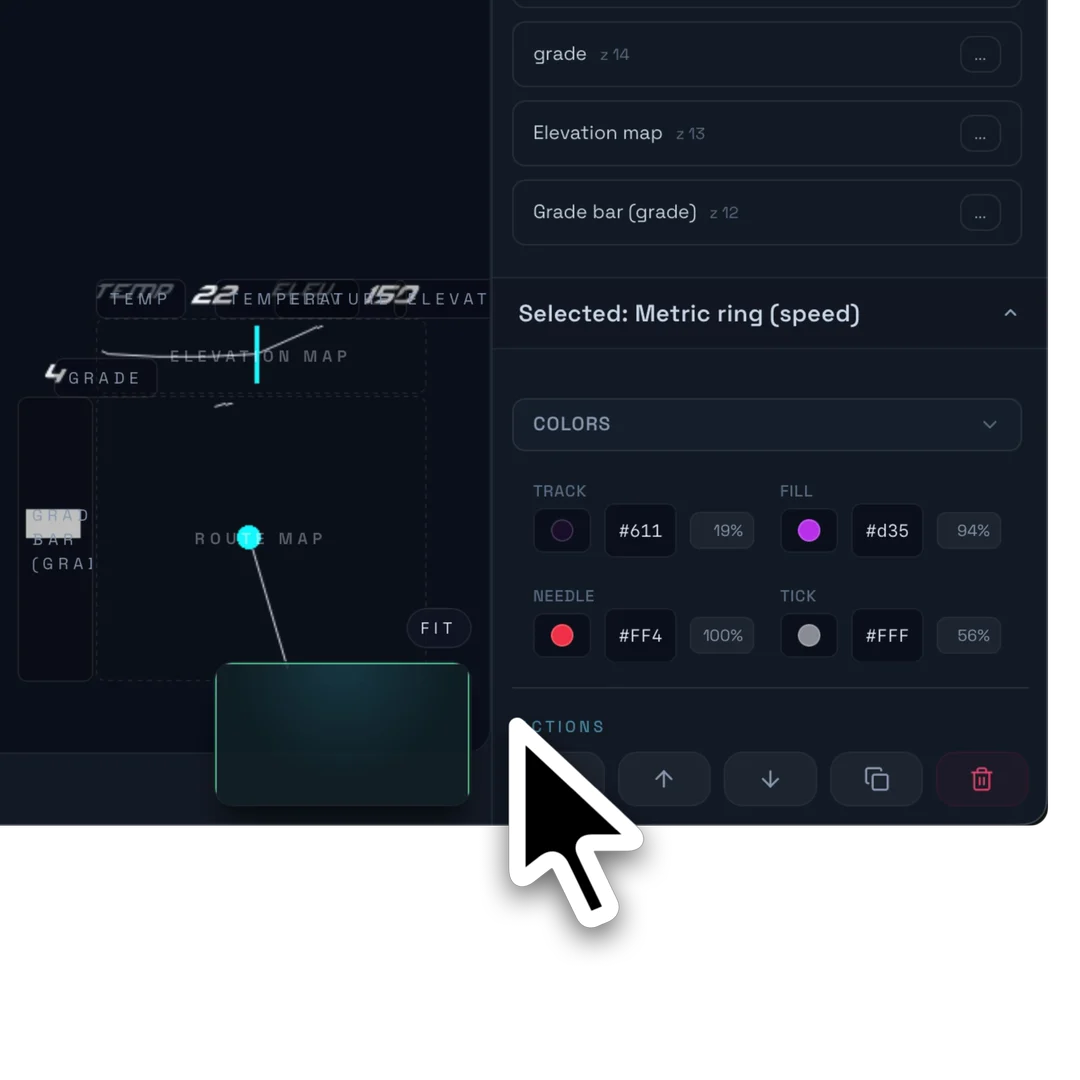
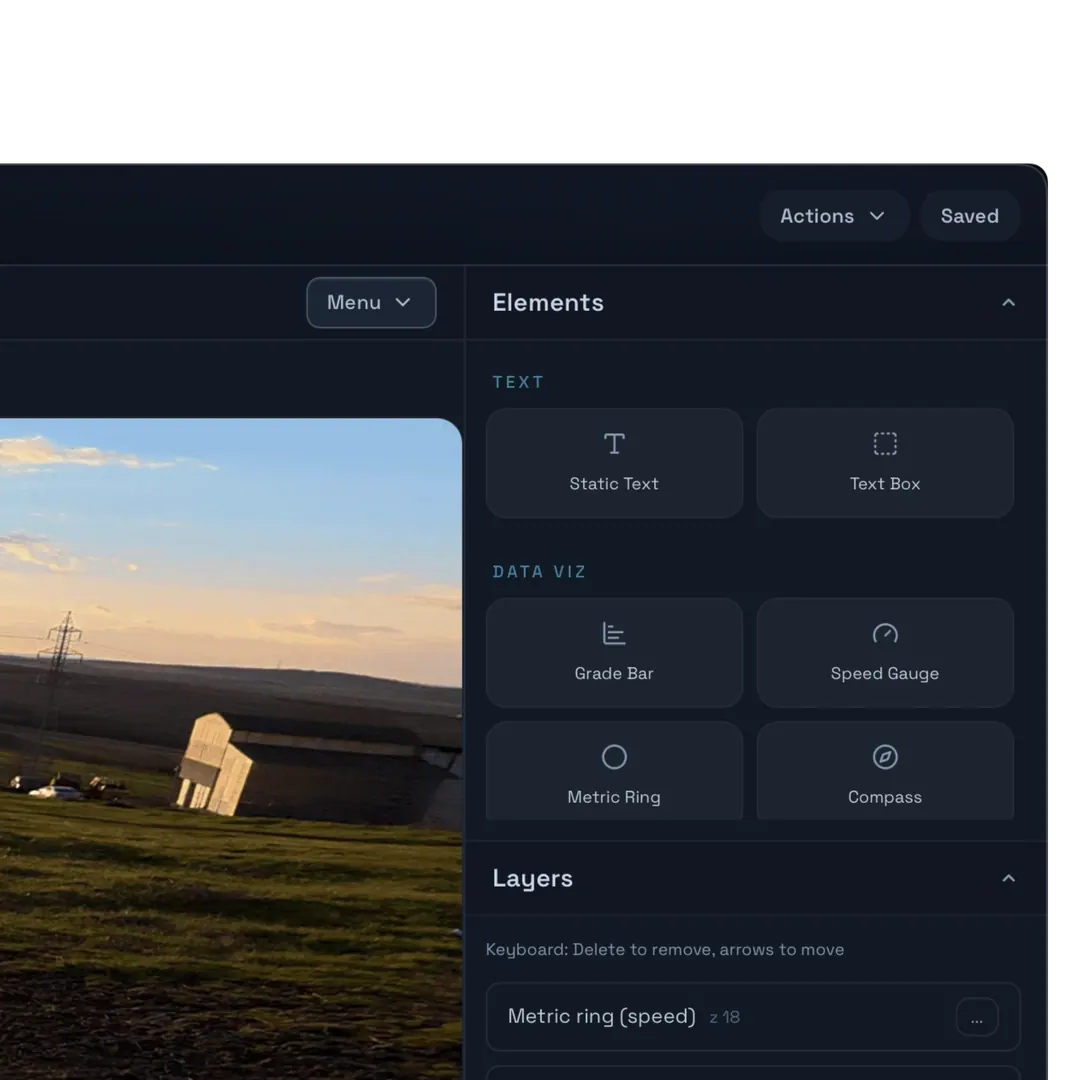
Strava · GPX · manual syncUse gauges, rings, maps, bars, compass, text, and shapes on a dedicated canvas.
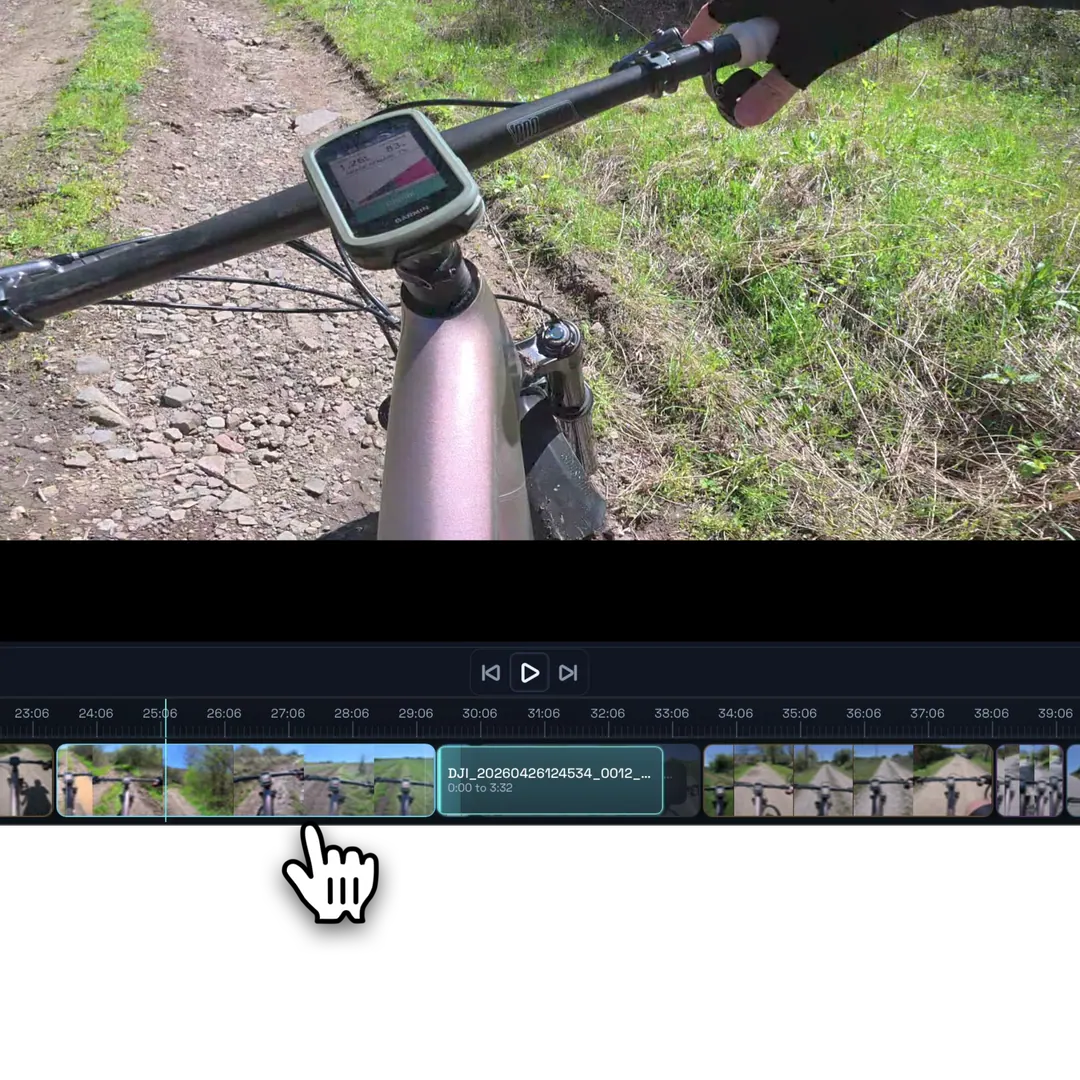
Data-linked · styled per layerTrim, split, reorder, and hover-preview footage while overlays stay aligned with the cut.
Timeline · clips · overlaysRender the final timeline, composited clips, or transparent overlays for another editor.
Landscape · portrait · alphaFootage sync
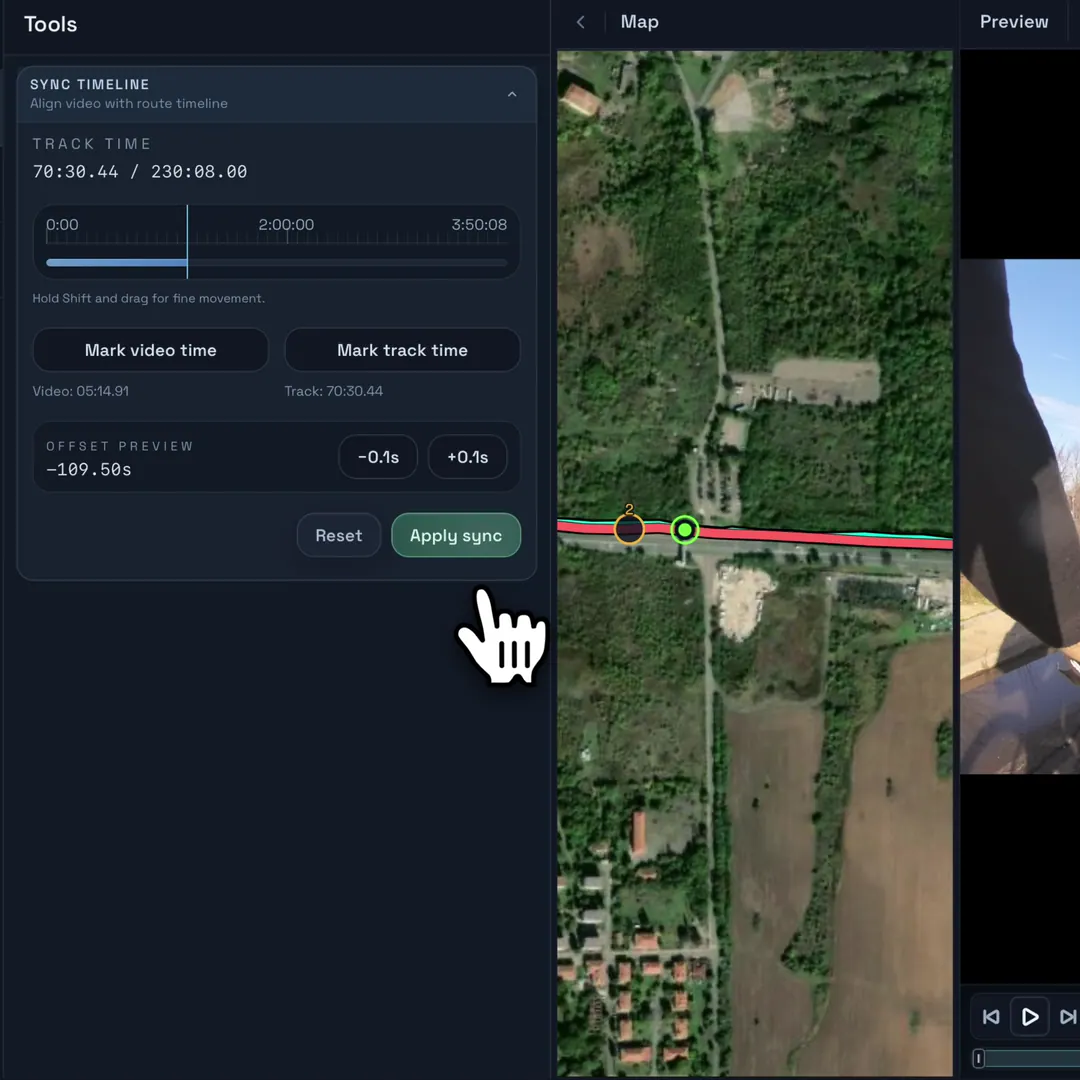
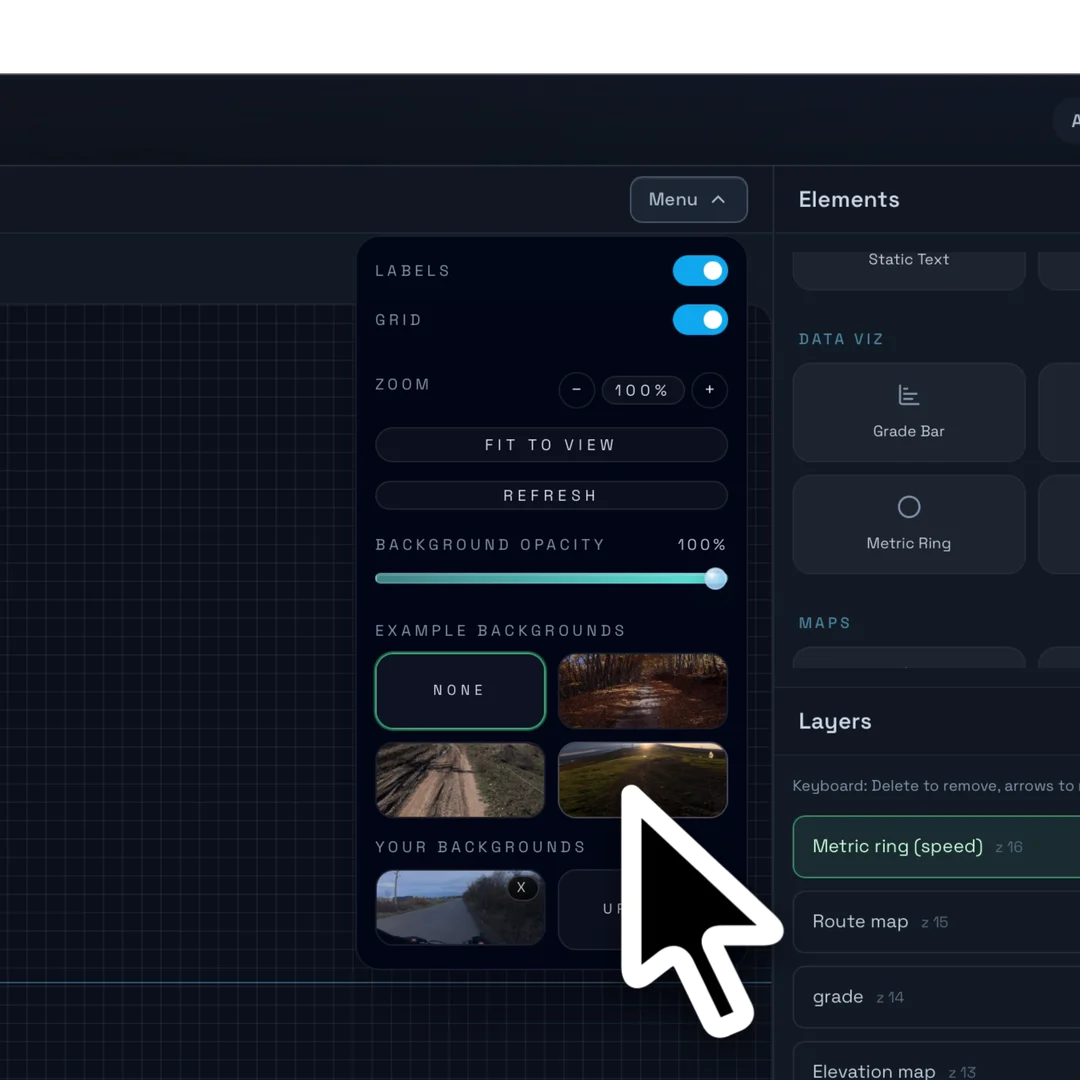
Import a Strava activity or GPX track, add your clips, and Movaro maps each video segment to the right part of the route — even when camera timestamps are off.
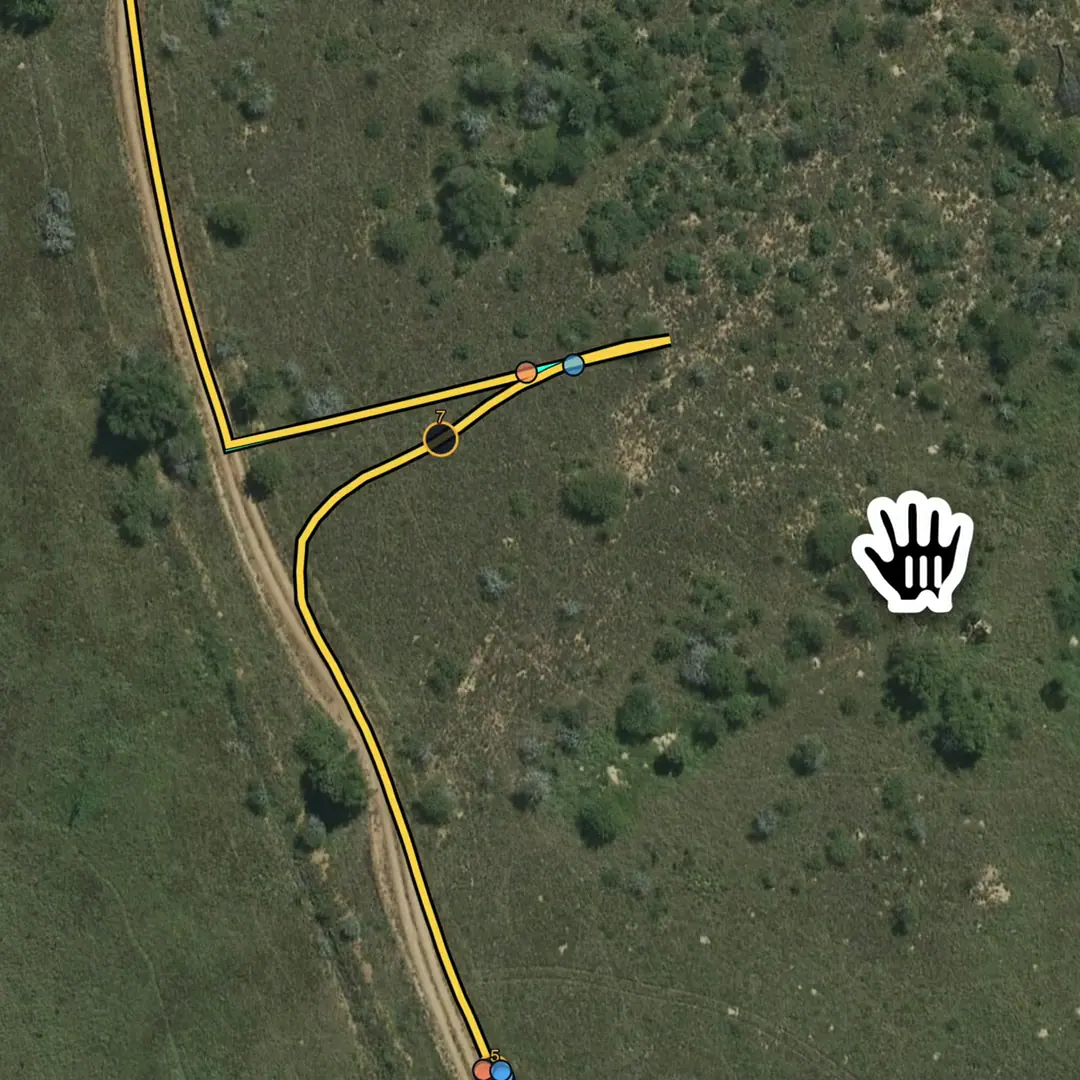
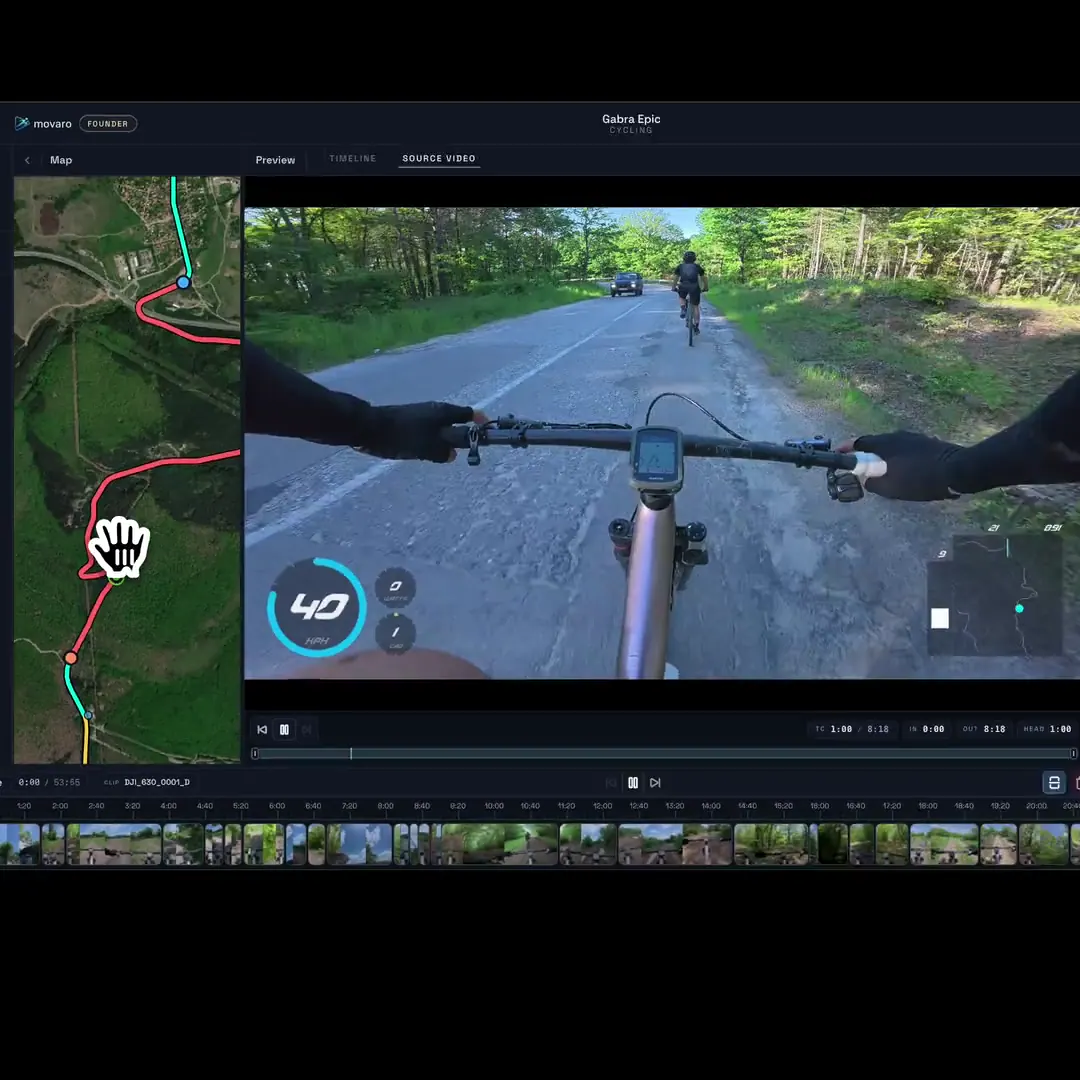
Movaro places each video segment along your activity route, so clips line up with the right location on the track.
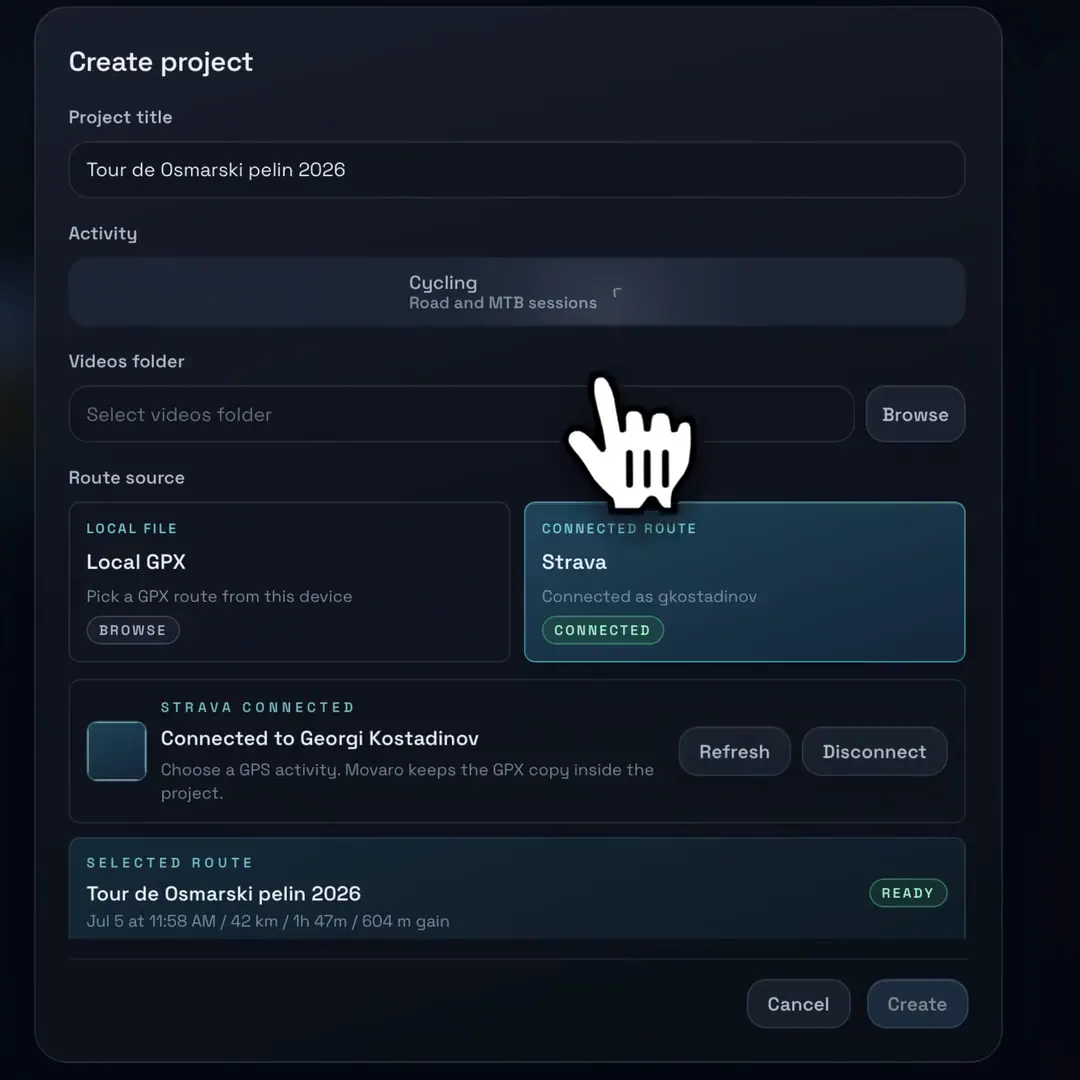
Start from the activity data you already have. Connect Strava or upload a GPX file to create the route and telemetry timeline.
Scrub or play the video and map together to see exactly where the footage was captured.
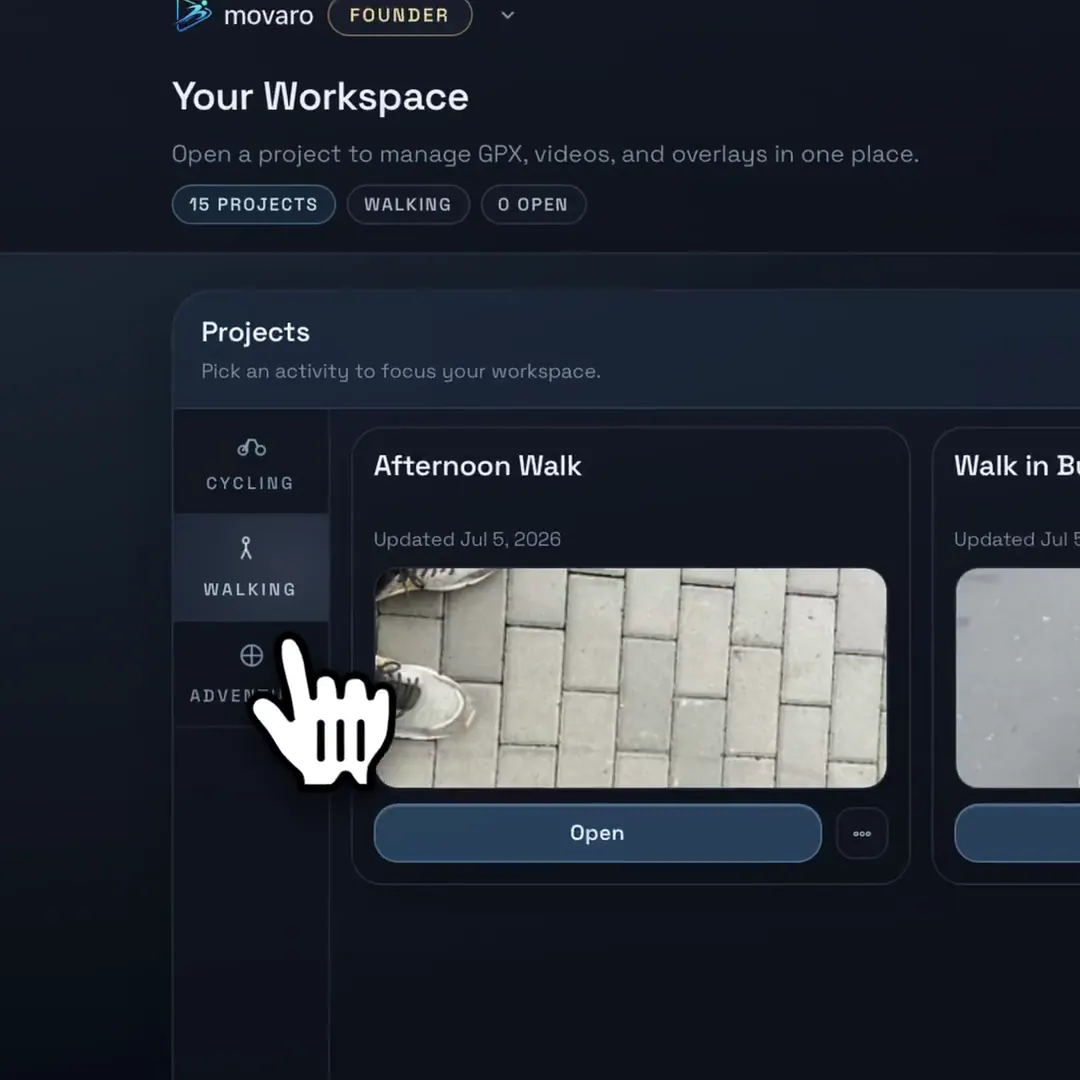
Group rides, routes, and footage into categories so every edit starts from a clean workspace.
For edge cases, use the sync timeline to align footage with the track by hand and get the match exactly right.
Timeline editor
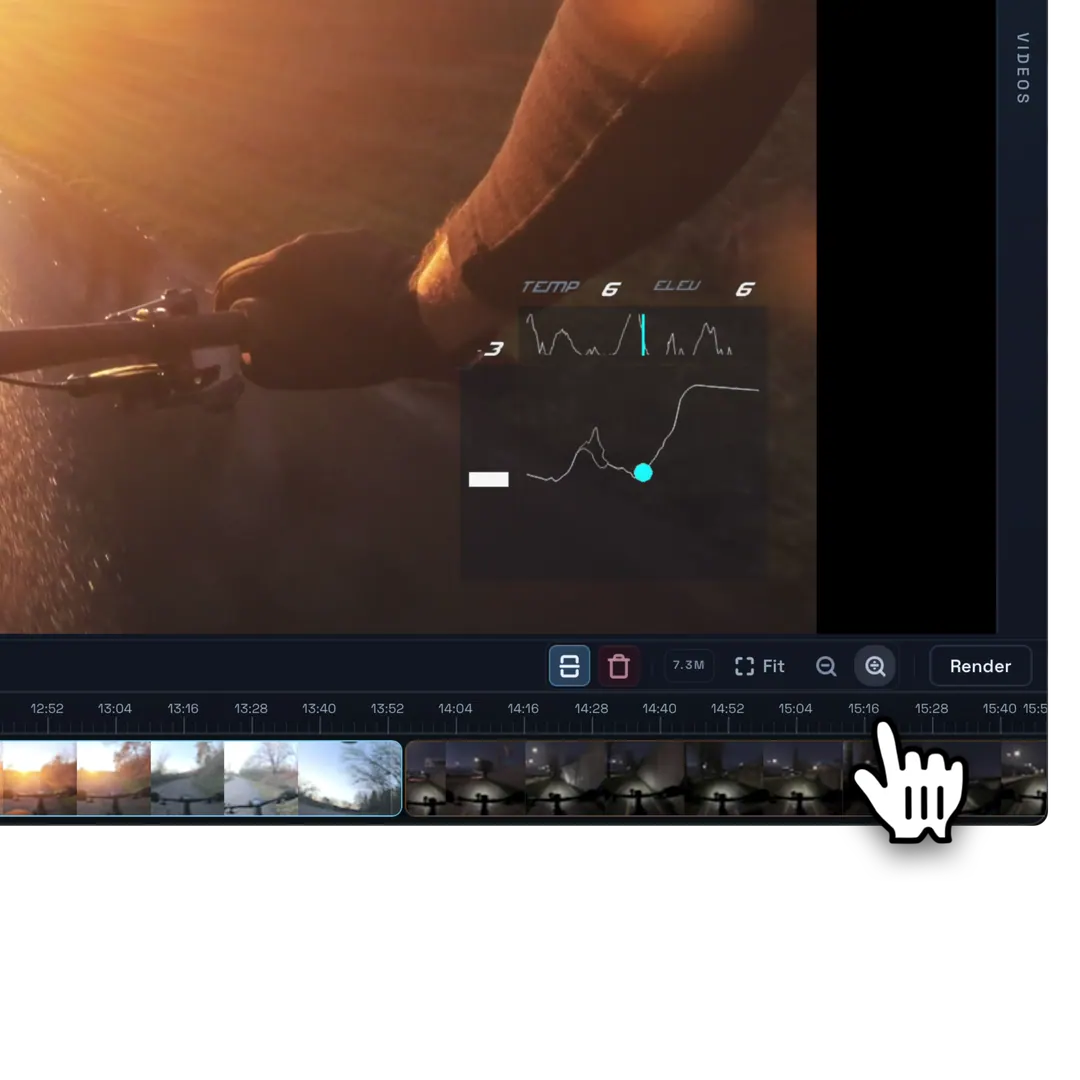
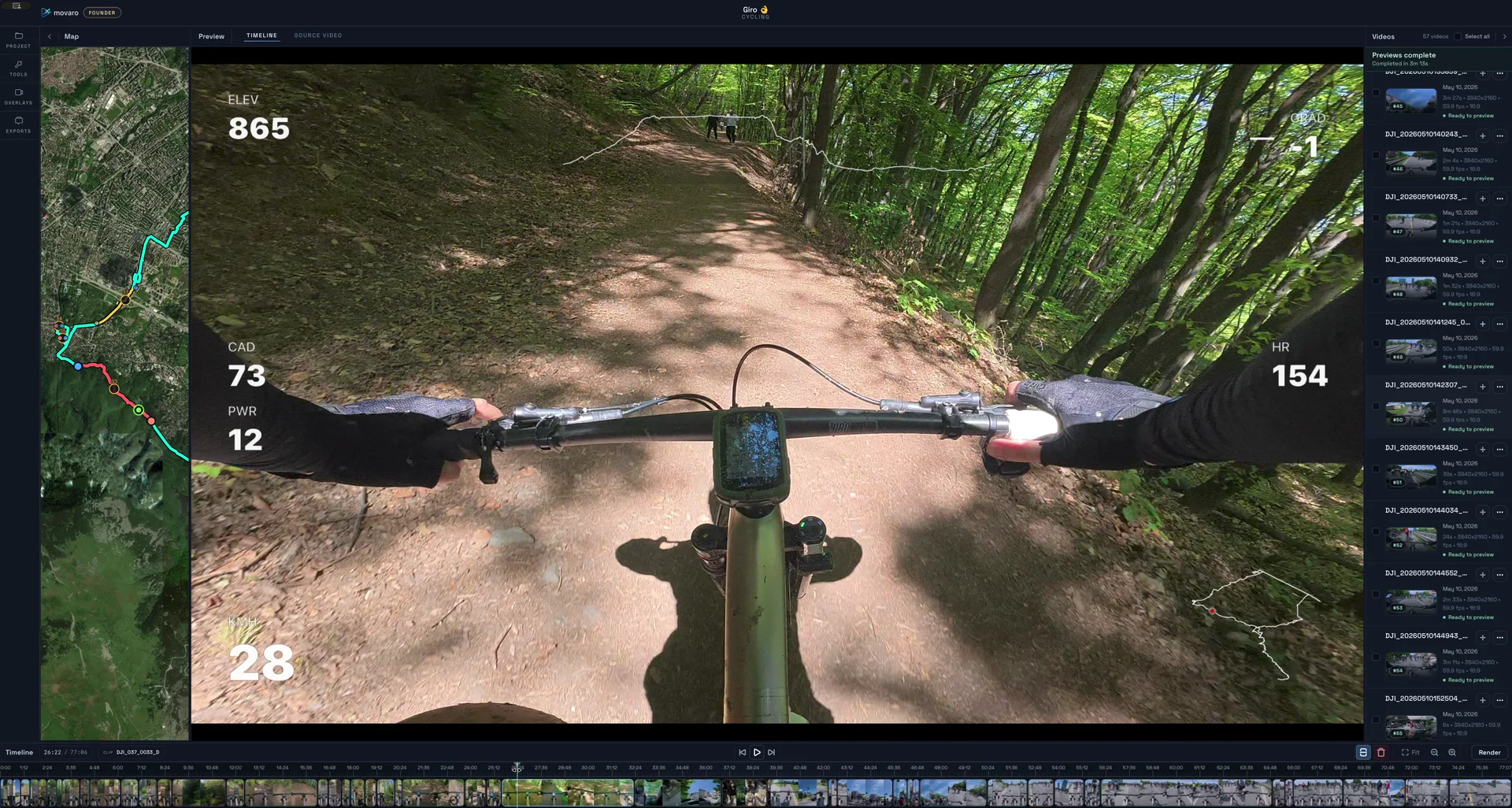
Generate overlays, add videos to the timeline, find the important moments, and shape the edit with zoom, cutting, clip movement, and fast hover previews.
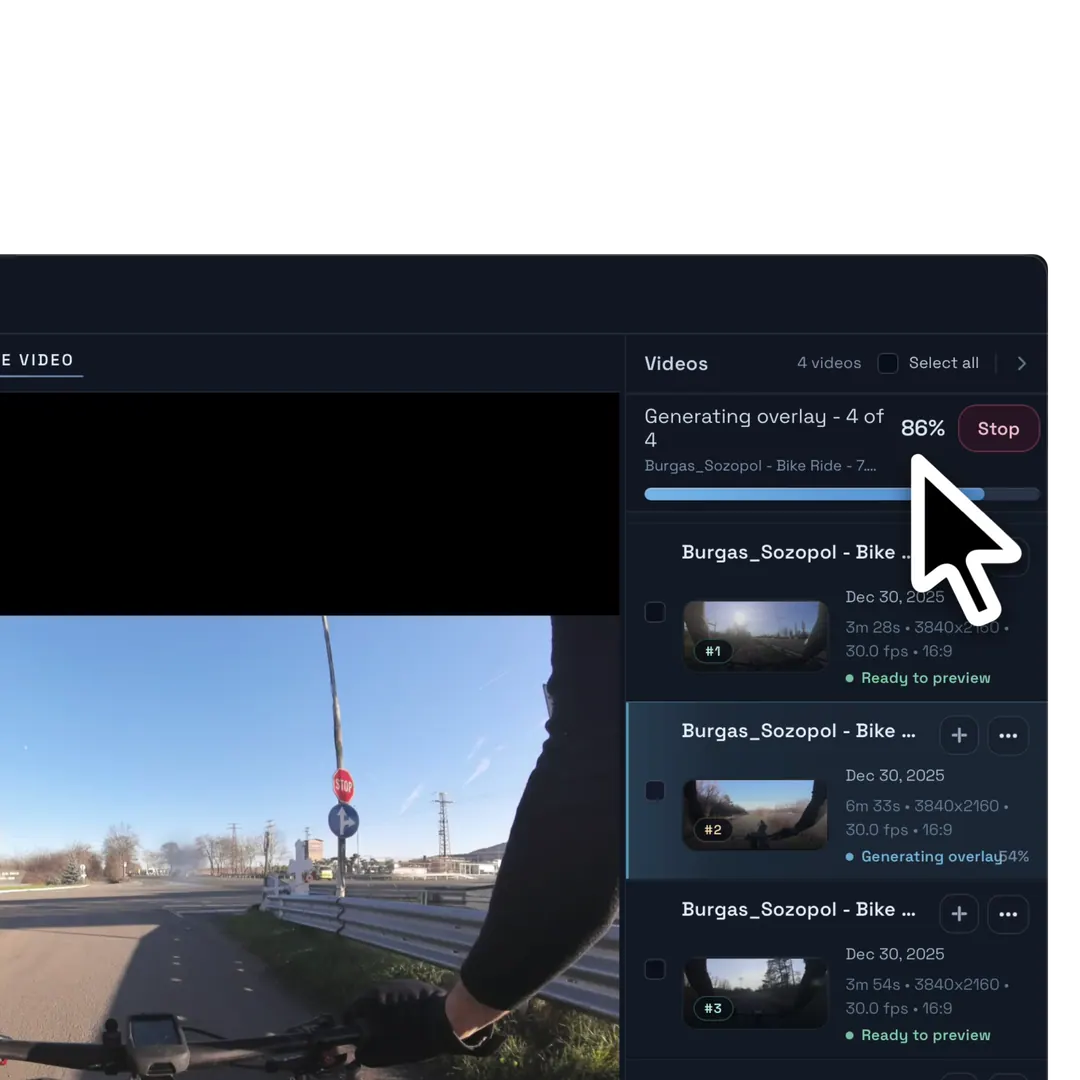
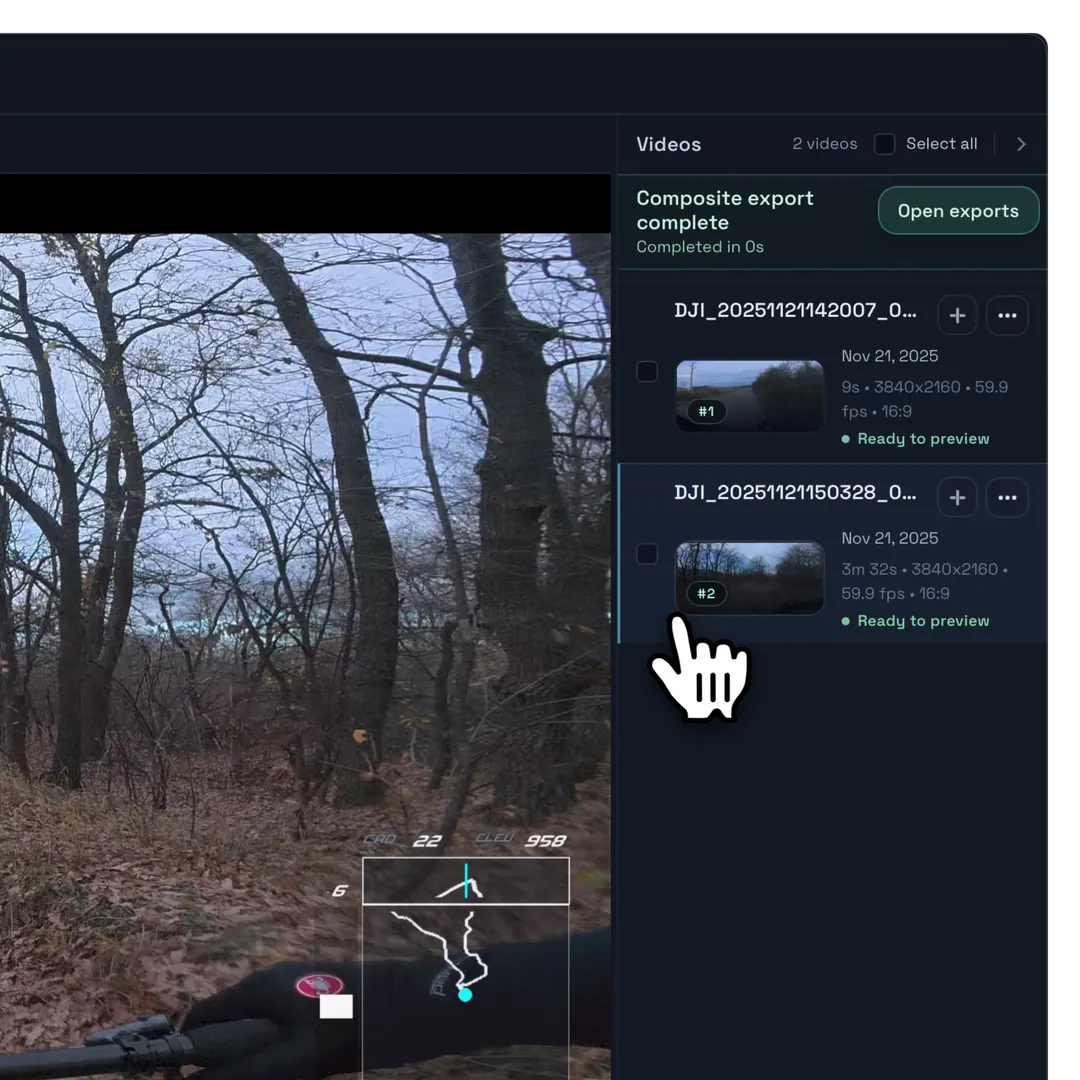
Generate overlay tracks and add synced footage to the timeline so the edit starts with video and data already aligned.
Zoom into the timeline and use time strips to scan the activity for the moments worth keeping.
Split clips, remove dead time, and keep the sequence focused without losing the synced overlay context.
Drag clips around the timeline to control the pacing, order, and flow of the final video.
Hover-scrub footage to find the right moment, crop the clip, and add only the part you need to the timeline.
Export
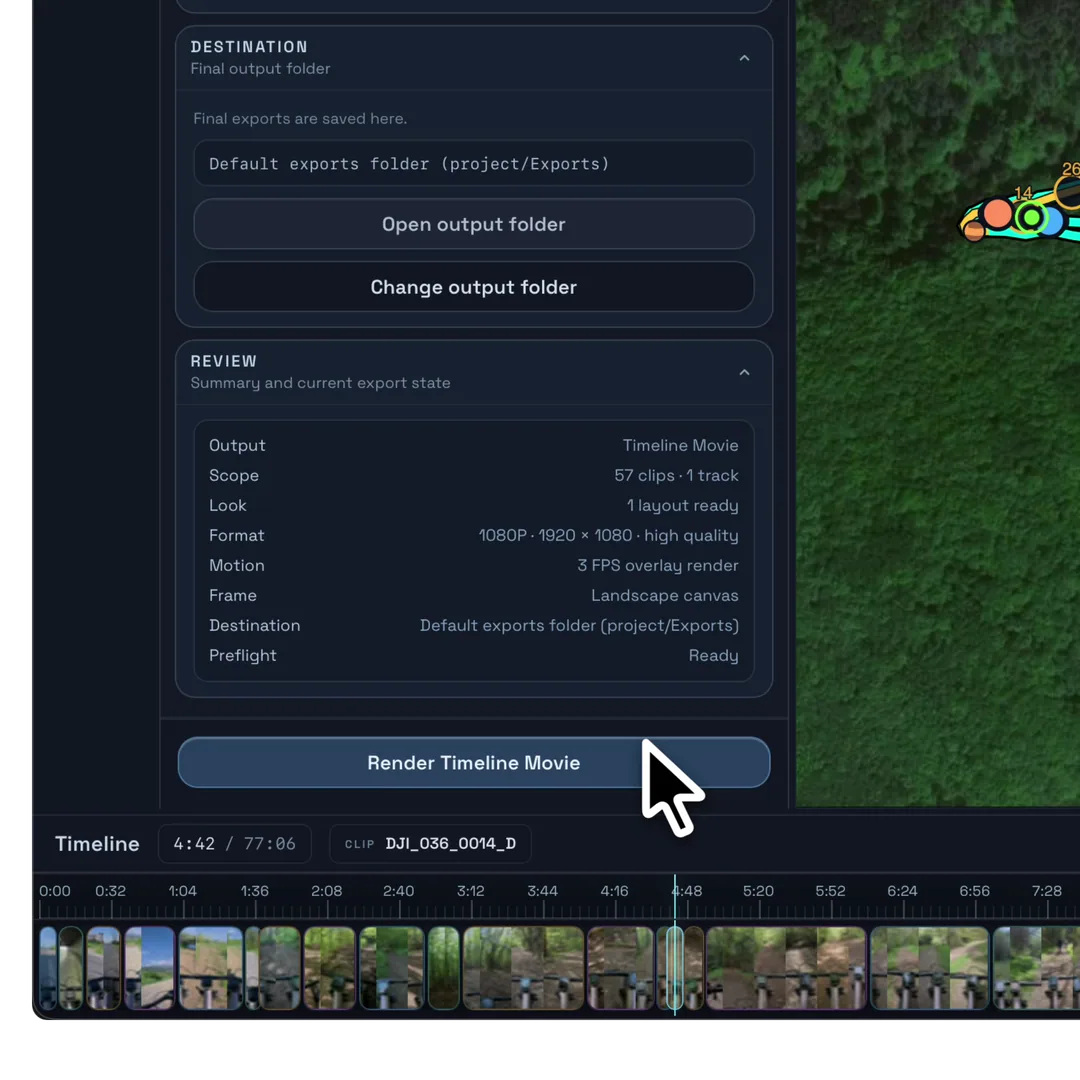
Export the complete timeline, render individual clips with overlays baked in, or create transparent alpha-channel overlays for another editing workflow. Reframe for portrait or landscape and render quickly on macOS or Windows.
Render the complete edit as one ready-to-share video, with footage and overlays already synchronized.
Export each video separately with its synchronized overlays already baked in—no additional compositing required.
Export in portrait or landscape, with a blurred background automatically filling the frame when aspect ratios differ.
Movaro keeps export times low on macOS and Windows, even with data-rich overlays and multiple clips.
Render overlay-only videos with an alpha channel, ready to place over footage in your preferred video editor.
Measured across six devices
Every full composite in this test rendered faster than real time using Movaro’s Standard 4K settings—from fanless 8 GB MacBook Airs to an RTX desktop.
Fastest result: an 8m 30s composite completed in 2m 42s.
See every timing and the test methodMovaro Default layout · Standard quality · 4K · overlays at 3 fps · three source videos: 30s, 2m 04s, and 8m 30s. Results vary by source media, codecs, thermals, and system workload.
Before you download
What a project needs, where Movaro fits, and where your footage stays.
Yes. You can download Movaro, sync footage with Strava or GPX, use basic overlays, and render finished videos for free. Optional paid features are available inside the app.
Action camera footage plus a GPX file or Strava activity. Movaro uses the activity data to help build speed, route, elevation, distance, and effort overlays.
No. It is focused on action camera projects where clips, telemetry overlays, timeline edits, preview, and export need to stay close together.
Movaro is positioned around local projects: your clips and GPX or activity data stay on your machine while you edit and export.
Download and availability
Choose the desktop build for your computer. Your footage and activity data stay on your machine while you edit and export.
Download Movaro for macOS and start editing locally.
Download the Windows beta and start editing locally. Check the current release notes before a production project.
Touch-first editing, coming soon.
A future desktop release.
Platform updates
Choose a platform above or join the general availability list.