Ride to video in one flow
Turn your ride into a shareable video - automatically.
Import an activity from Strava or GPX, add your footage, and export clean overlays and highlights in minutes.
How it works
From GPX or Strava to a ride video in three steps.
Keep the flow simple: pick a cycling ride, drop in your footage, and export a clean video ready to share.
Pick a ride
Bring in a ride from Strava or drop a GPX file.
Add footage
Drop in your camera clips and line them up instantly.
Export
Get a polished video with overlays and highlights baked in.
What you get
What you get from a cycling video overlay.
Each ride video export is clean, legible, and ready to share without extra edits.
Clean overlays
Speed, time, and route details that sit quietly on top of the footage.
Vertical highlights
Short, punchy cuts that feel great on social feeds.
Looks good by default
Color, type, and layout that feel premium without any manual tweaking.
Supported sports
Supported sports
Cycling first. Running is next. We are building the same clean experience across sports.
Examples
Cycling video overlay examples.
Simple overlays, clear motion, and a ride video style that stays out of the way.
View all examples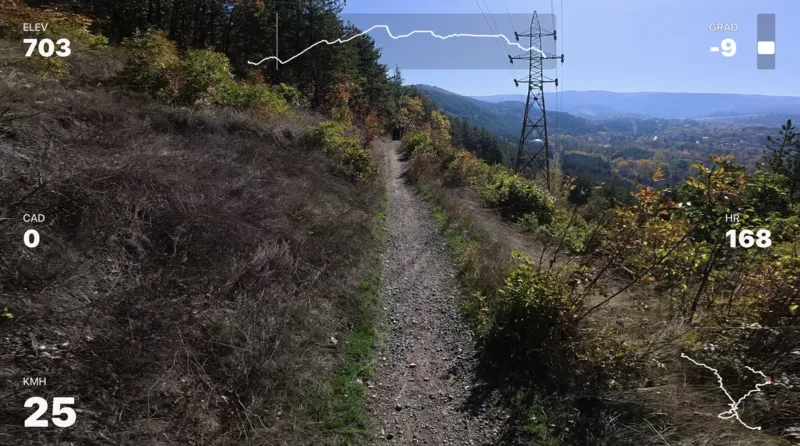
Full ride overlay
A full-length ride with clean route and timing details.
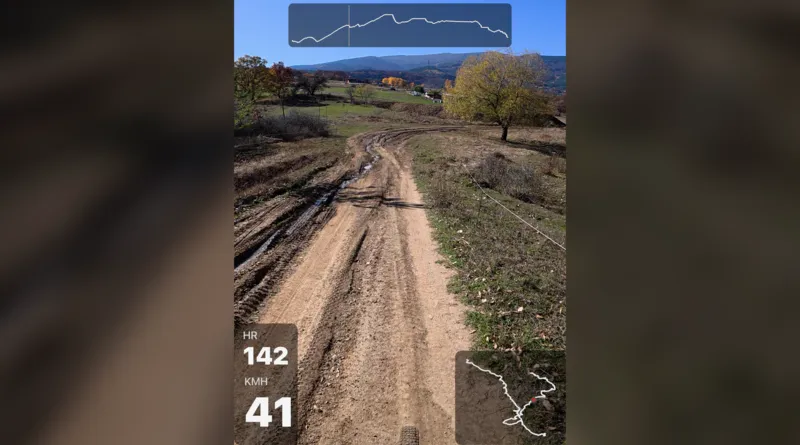
Vertical highlight
A tight, vertical cut made for quick sharing.
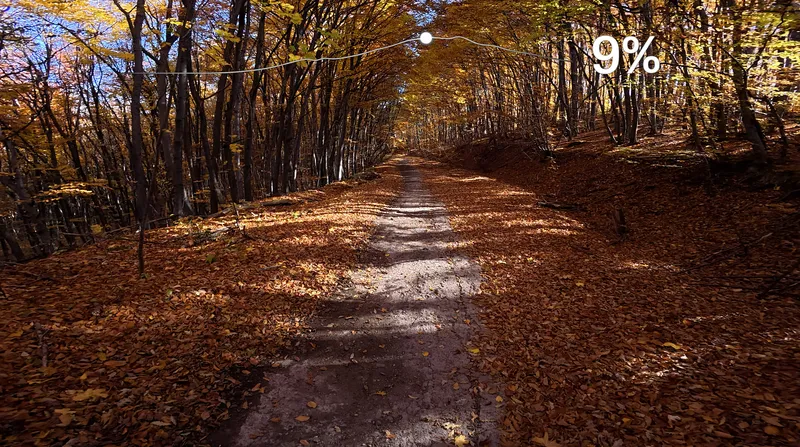
Segment callout
A focused moment with just the key stats on screen.
FAQ
Questions, answered.
Everything you need to know before joining the waitlist.
Do I need Strava? +
Does Movaro upload my videos? +
What cameras does it support? +
Mac or Windows? +
When can I try it? +
Can I customize the look? +
Waitlist
Get early access to Movaro.
Join the list to try the first release. We will email when your spot is ready.